The NoClear extension
Creative coding frameworks have two different defaults: either they clear the screen before each animation frame or they don’t. OPENRNDR belongs to the first group.
Switching to “draw-without-clearing-the-screen” can be useful to produce complex designs with simple programs.
It is also how pen and paper seems to work: we add ink to the paper and the previous ink does not disappear.
Such behavior can easily be enabled by adding extend(NoClear()) to our programs.
Here an example that draws circles at the current mouse position:
fun main() = application {
    program {
        backgroundColor = ColorRGBa.PINK
        extend(NoClear())
        extend {
            drawer.circle(mouse.position, 20.0)
        }
    }
}
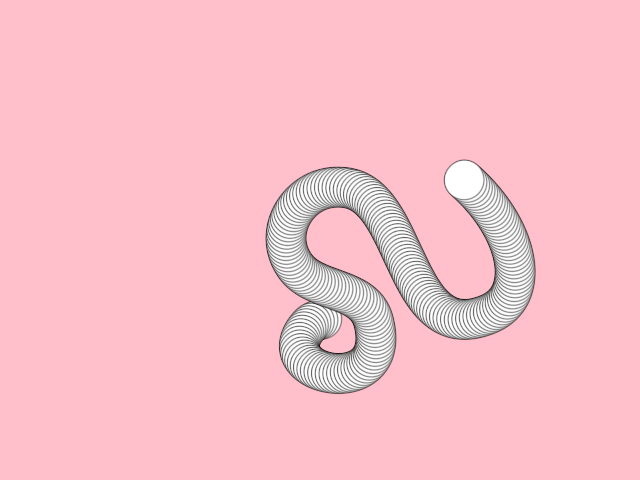
Without NoClear only one circle would be visible at the current mouse location.
Configurable properties
orx-no-clear provides configurable properties:
- A
multisamplevalue can be passed in the constructor. The default value isBufferMultisample.Disabled. For smoother rendering we can construct it like this:NoClear(BufferMultisample.SampleCount(8)). Different graphic cards may accept higher or lower values. - Use
backdropto specify the initial state of the buffer. You could clear the background to a specific color, display a loaded image, or draw anything else. - Use
colorTypeto change the defaultUINT8color type to something else, for instanceFLOAT32for finer color precision.
Find the orx-no-clear source code and examples featuring the available properties in GitHub.